


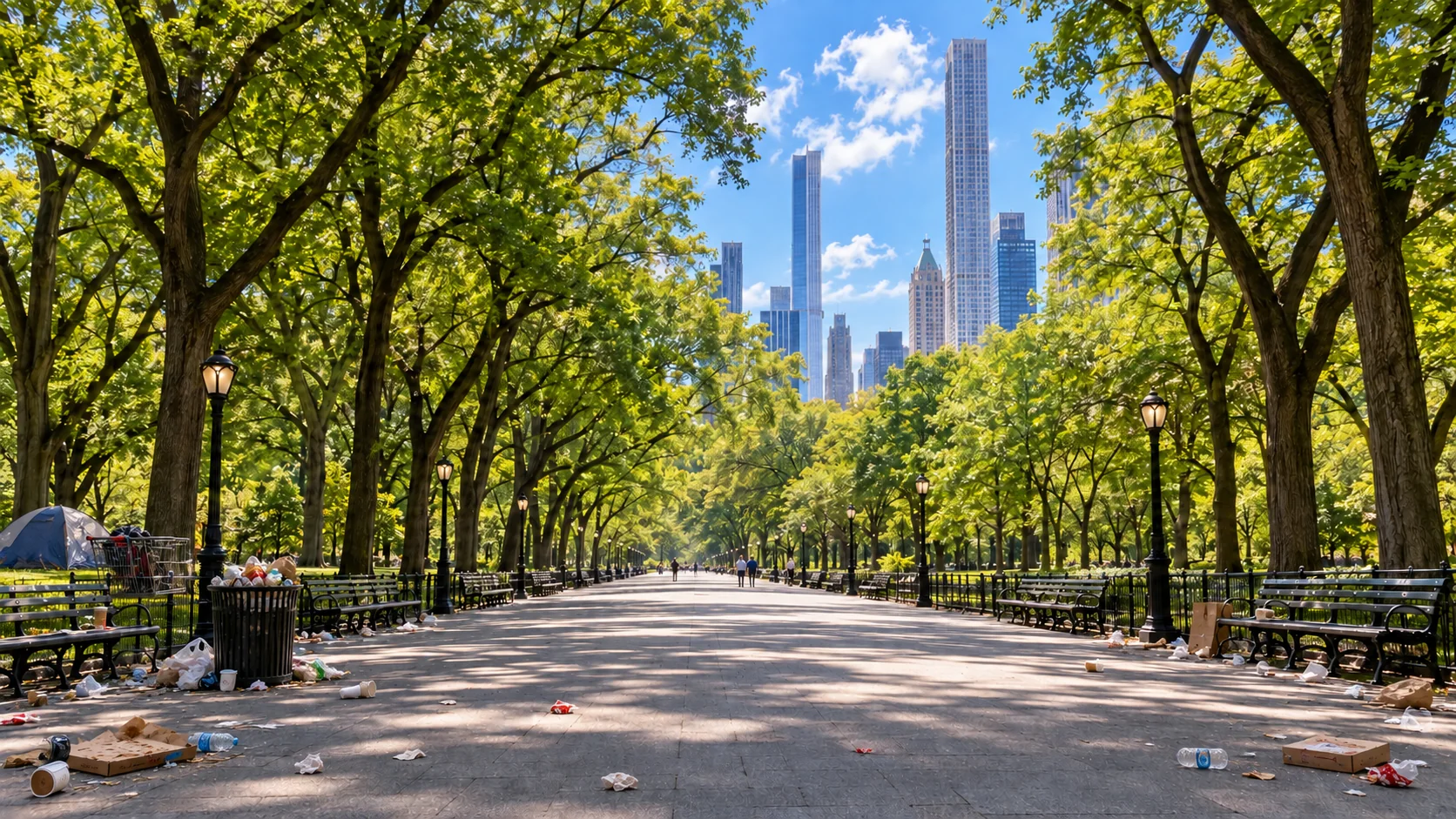
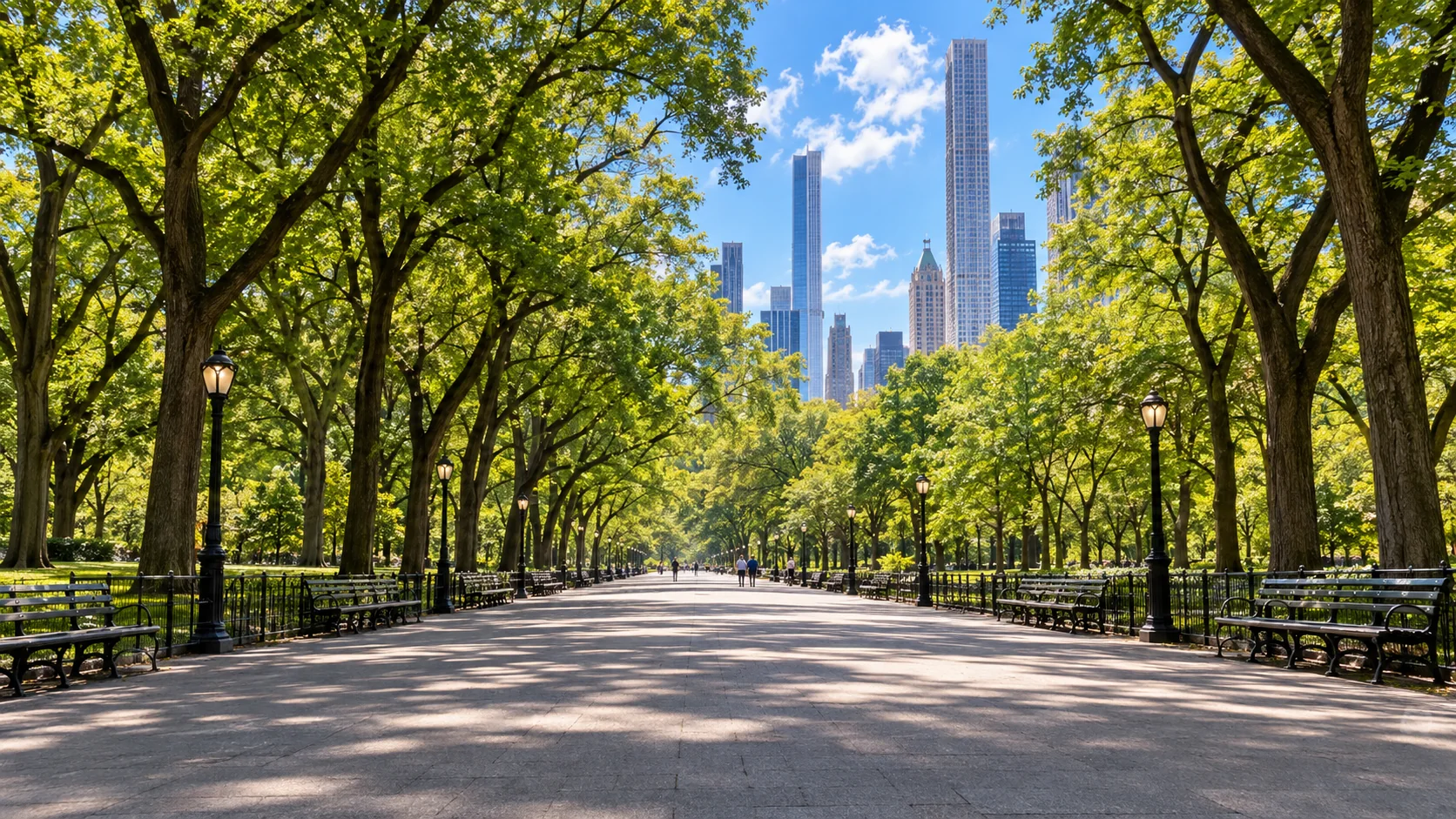
 Before
After
Before
After
BETAFree
WATTPIX AI · BROWSER AI WORKSPACE
WattPix AI — drag to erase theunwanted
Remove objects, text and visual clutter in seconds.
Try it freeAI‑powered · No installation
Move your pointer left and right
AI WORKSPACE
One photo, a complete editing workflow
WattPix combines smart selection, object removal, background reconstruction, manual control and edit history in one browser workspace.
Learn more about WattPix →WATTPIX IN THE MEDIA · JAPAN
Read the full article →
Peaky AI LAB published an independent review of WattPix AI
Peaky AI LAB, a technology publication operated by Japan’s Peaky Inc., published an independent review of WattPix AI. We thank the Peaky team for a thoughtful and honest look at the product, including the current limitations of our BETA. We are already working on these improvements and would be delighted if the Peaky team and its readers tried WattPix again when it moves beyond BETA.
WWattPix Workspace
AI‑редактор готов
WATTPIX WORKSPACE · FREE BETA
Upload and edit your photo in WattPix Workspace
Drop an image here or choose a file. The AI Workspace will open with smart selection and object removal tools.
Any image size · opens in the editor automaticallyHOW IT WORKS
Three steps to a clean photo
Upload a photo
Choose one image file of any size.
Choose what to remove
Smart selection finds the object and the brush lets you refine its edges.
Download the result
AI reconstructs the background and saves the result as a new version of the current canvas.
COMPARISON
See how the image changes
Drag the divider to compare a controlled test overlay with the clean reference. WattPix created these scenes to make fine-detail evaluation reproducible.
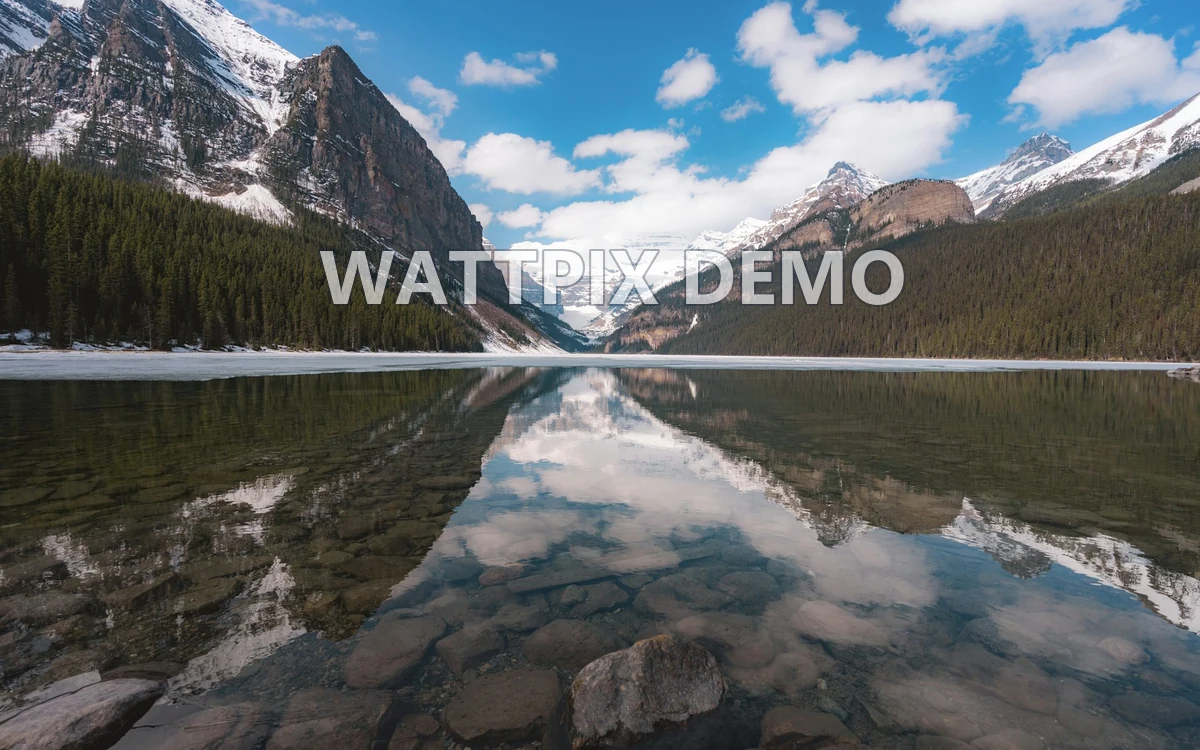
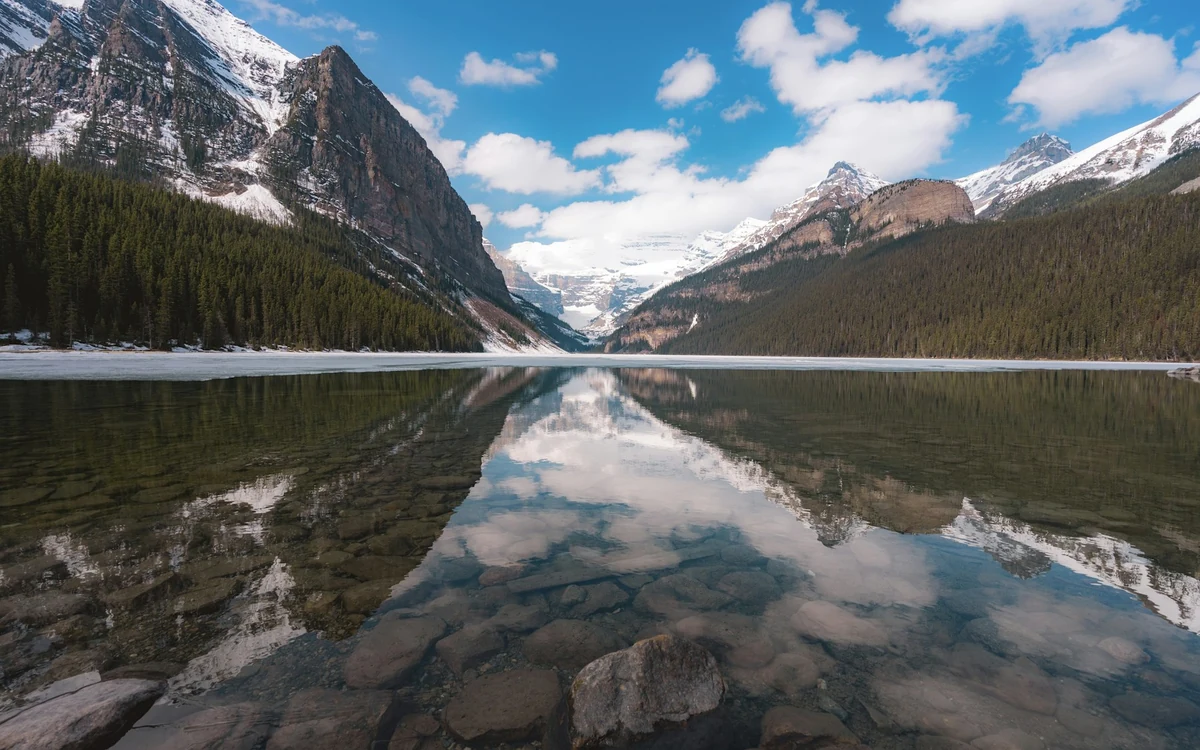
Detailed natural backgroundSky, mountains, water and fine tree texture.Фото: Alec Olson / Unsplash


Product-style photographPaper, ceramic, wood grain and soft light gradients.Фото: JJ ROCHA / Unsplash
These are controlled tests on WattPix-owned scenes. Results depend on the removed object's size and the details hidden behind it.
WATTPIX USE CASES
One editor, four real-world jobs
Drag the divider on every example. WattPix helps clean product listings, refresh advertising, prepare property photos and improve everyday shots.
MARKETPLACES
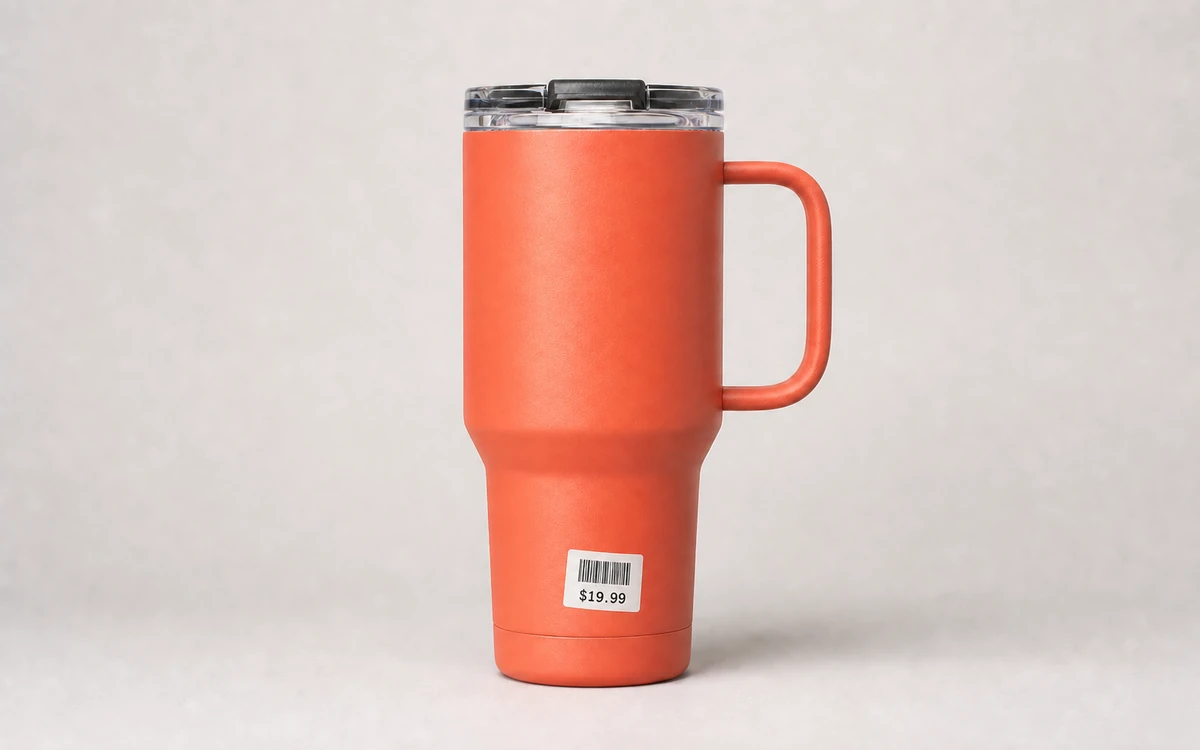
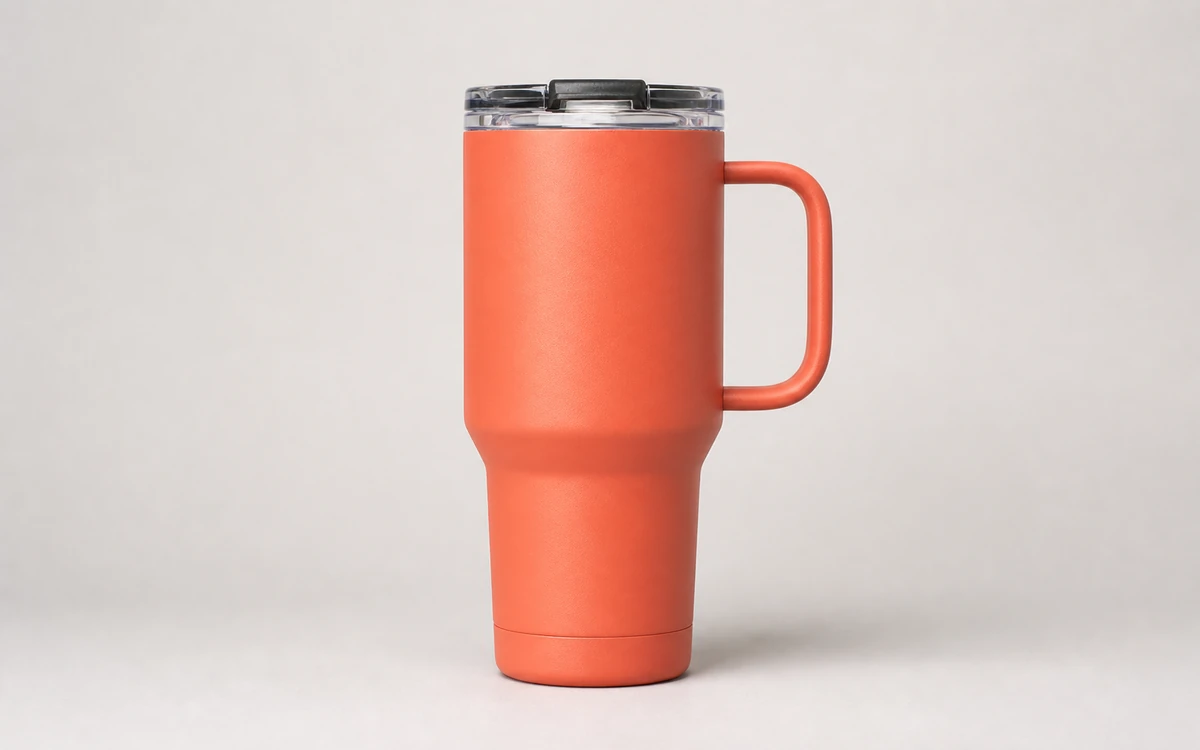
Price tag on a product
Remove an adhesive price tag and barcode while preserving the product's shape, color and surface texture for marketplace listings.


ADVERTISING
Unwanted gear in the shot
Remove a studio stand or other equipment that slipped into the frame without reshooting the finished advertising scene.


REAL ESTATE
Clean up before publishing
Remove a moving box, cable and temporary clutter from a room photo before publishing a property listing.


PERSONAL PHOTOS
Dog in the background
Remove an animal or person who accidentally entered the frame while preserving the landscape, light and mood.
WattPix created these demonstration scenes and test elements for controlled comparison. Real results depend on the object's size and the details hidden behind it.
BUILT FOR REAL WORK
AI speed, editor control
Marketplace sellers, photographers, creators and real-estate teams can clean an image, inspect mask edges and continue without switching between complicated apps.
- Smart object selection
- Sequential edit history
- Before and after comparison
- Full-size export
EDIT HISTORY
Multiple removals in one photo
Each result becomes a new canvas version. Remove details one by one, compare with the original and return to any saved step.
- One photo and one canvas
- Manual refinement of the shared mask
- Move between saved versions
SECURITY
Files are used only for the requested processing
Transfers are protected with HTTPS. Image content is not used in product analytics, and technical events are kept separate from the files themselves.
Images are sent over an encrypted HTTPS connection.
Uploads are not published or exposed to other visitors.
Check the mask and final image before saving the result.
WATTPIX TOOLS
Choose your workflow
Use a focused tool for one task or the AI workspace for a complete editing flow.
Remove an object from a photoSmart selection, a precision brush and AI background reconstruction.Open →
AI photo workspaceOne image, multiple AI actions and one final export.Open →
Sequential editingVersion history, comparison and multiple removals on one canvas.Open →
Marketplace product photosPrepare clean catalog images for Amazon and other marketplaces.Open →
Remove text from a photoClean captions, signatures, dates and text overlays.Open →
Remove a logo from an image onlineWattPix AI detects visible logos, creates an editable mask and reconstructs the covered part of your image. Refine difficult edges with the brush before processing.Open →
QUESTIONS AND ANSWERS
About WattPix AI
Which formats are supported?
JPG/JPEG, PNG and WEBP. There is no source file-size limit; server processing supports images up to 20 megapixels.
Will every result be perfect?
Quality depends on the removed object's size, background complexity and hidden details. Refine the mask and run reconstruction again when needed.
Which images can I process?
Use your own images or materials you are authorized to modify.
Can I remove several objects?
Yes. Remove them one by one from the same photo; every result is saved as a new version.